Creating Your Account
Sign up, verify your email, and set up your profile
Getting started with A Grand Tour takes just a minute. Here's how to create your account and get ready to plan.
Signing Up
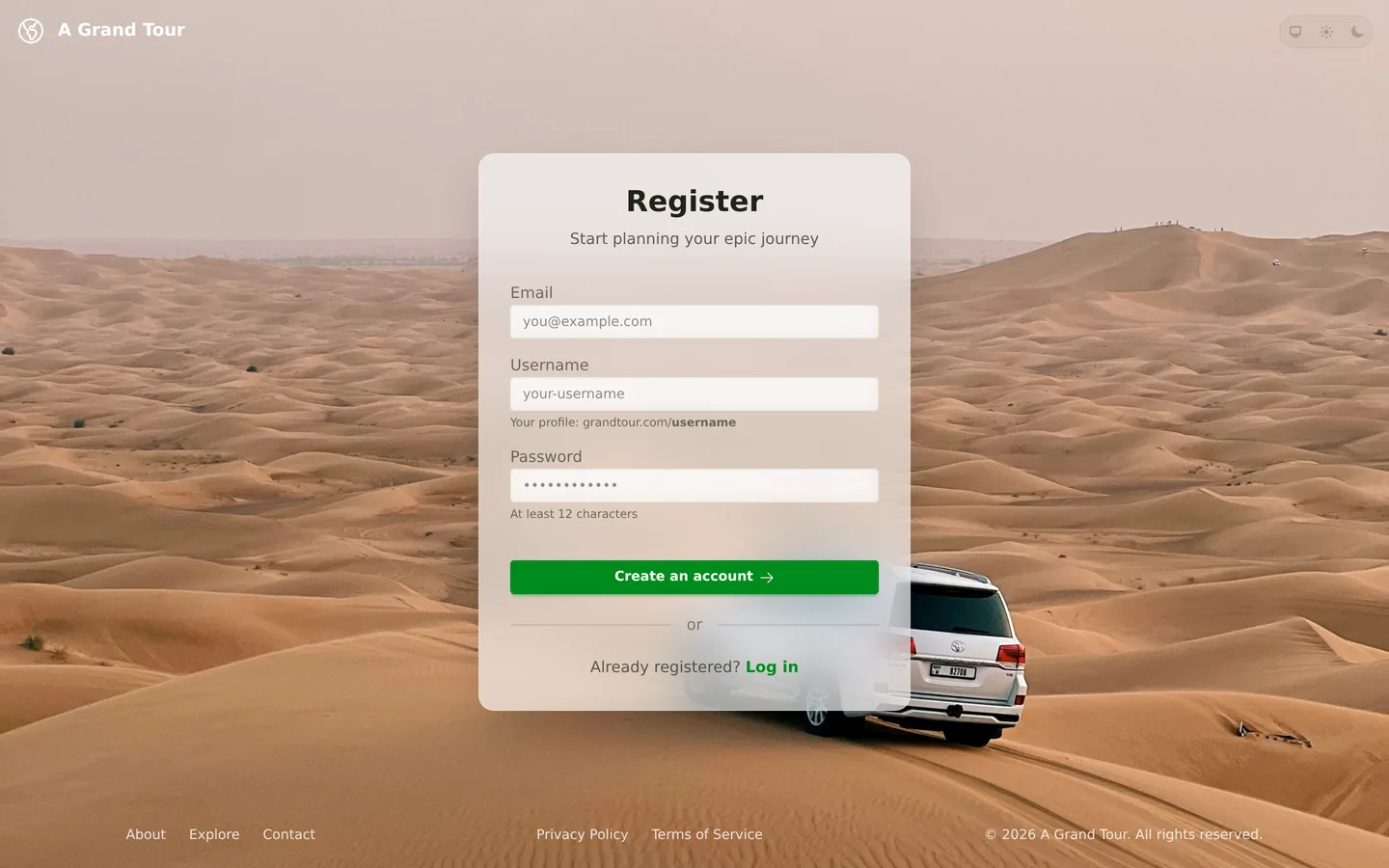
Visit the registration page and provide:
- Email address — Used for login and notifications
- Username — Your unique handle (appears in tour URLs like
a-grand-tour.com/yourname/my-tour) - Password — Must be at least 12 characters
You can also sign up with Sign in with Apple if you prefer not to create a separate password.
Email Verification
After signing up, you'll receive a verification email. Click the link to confirm your address. Until you verify:
- You can browse and explore public tours
- You can create tours and start planning
- Some features like collaboration invites require a verified email
A banner at the top of the page reminds you to verify, with a button to resend the email if needed.
Your Profile
Once you're in, you can customize your profile from Settings:
- Display name — How other users see you on shared tours
- Avatar — Upload a profile picture
- Username — Can be changed anytime (this updates all your tour URLs)
Security Options
A Grand Tour supports several ways to keep your account secure:
Two-Factor Authentication (2FA)
Enable TOTP-based two-factor authentication from your security settings. You'll need an authenticator app like Authy, 1Password, or Google Authenticator.
Passkeys
For a passwordless experience, you can register a passkey (Face ID, Touch ID, Windows Hello, or a hardware security key). Passkeys are the most secure and convenient way to sign in.
Active Sessions
View and manage your active sessions from the security tab. You can see which devices are signed in and revoke access to any session you don't recognize.
Next Steps
With your account ready, it's time to create your first tour.