Documents
Write geo-linked travel notes and guides
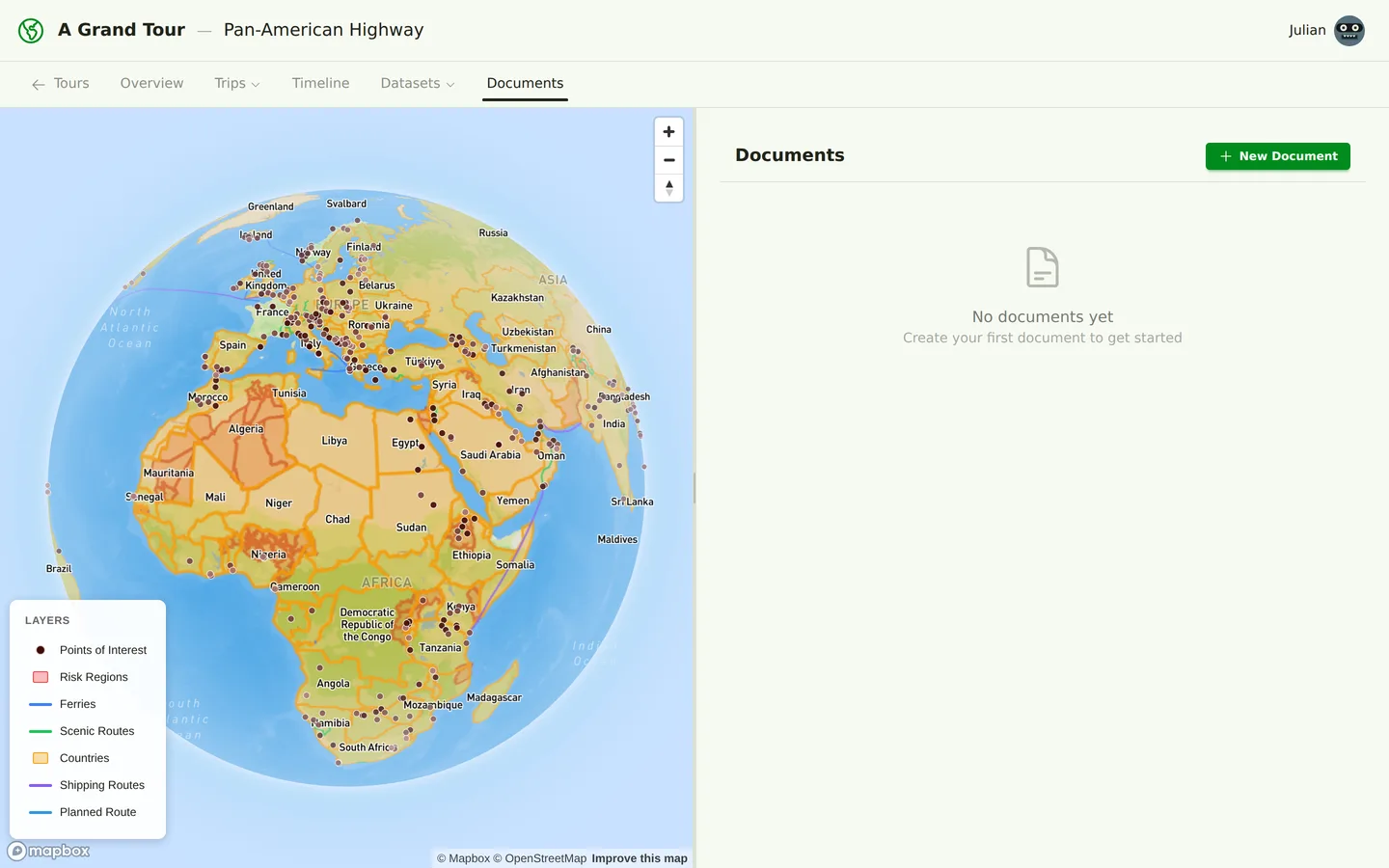
Documents
Documents in A Grand Tour are rich-text notes with a powerful feature: geographic references. Write detailed travel guides, research notes, and planning documents that link directly to places on your map.
What Are Documents?
Documents are Markdown-formatted notes attached to your tour. Unlike regular notes apps, A Grand Tour documents support a special reference syntax that creates clickable links to countries, POIs, trips, and other documents. When you click these references, the map highlights the location and navigates to the related content.
Creating Documents
To create a new document:
- Click "Documents" in your tour navigation
- Click "New Document"
- Choose a document type
- Write your content in Markdown
- Save and publish
Markdown Editing
Documents support full Markdown syntax with a live preview:
- Headings:
# Heading 1,## Heading 2, etc. - Lists: Bulleted and numbered lists
- Links:
[link text](URL) - Images:
 - Code blocks: Inline and fenced code blocks
- Tables: Markdown tables for structured data
- Emphasis: Bold, italic, strikethrough
The live preview updates as you type, showing exactly how your document will appear.
Smart Reference Syntax
The most powerful feature of documents is the reference syntax. Use double square brackets to create geographic links:
Country References
We'll drive through [[country:JO|Jordan]] and [[country:EG|Egypt]].
When rendered, "Jordan" and "Egypt" become clickable links that:
- Highlight the country border on the map
- Show country information in the sidebar
- Display the country's flag and key data
POI References
Don't miss [[poi:petra|Petra]], one of the Seven Wonders.
Clicking the link:
- Zooms the map to the POI location
- Opens the POI detail panel
- Shows images and ratings
Trip References
See [[trip:1|Trip 1: Europe to Turkey]] for the full route.
Links to other trips in your tour:
- Opens the trip detail view
- Shows the route on the map
- Displays itinerary items
Document References
Check the [[doc:carnet|Carnet Guide]] for vehicle import rules.
Cross-references other documents:
- Opens the referenced document
- Navigates to the document in the sidebar
- Maintains your place with browser history
Reference Syntax Format
The reference syntax follows this pattern:
[[type:identifier|display text]]
- type:
country,poi,trip, ordoc - identifier: The ID or code of the item (e.g.,
JOfor Jordan,petrafor Petra) - display text: What the link should say (optional, defaults to the item's name)
Document Types
Documents can be categorized by type:
Overview
High-level tour overview documents:
- Tour introduction and purpose
- Overall route summary
- Key objectives and highlights
- Timeline and major milestones
Custom
General-purpose documents for any content:
- Packing lists
- Vehicle preparation guides
- Gear reviews and recommendations
- Budget and cost estimates
Country Notes
Research and notes about specific countries:
- Visa application experiences
- Border crossing tips
- Cultural notes and etiquette
- Recommended routes and stops
Trip Summary
Summaries of completed or planned trips:
- Daily highlights
- Lessons learned
- Costs and expenses
- Photos and memories
Auto-Generated Documents
The system can automatically generate certain document types:
- Trip summaries: Based on your itinerary and route
- Country overviews: Combining dataset information with your notes
- Route descriptions: Turn your route into a readable narrative
Auto-generated documents are marked as such and can be edited. If you edit an auto-generated document, it's no longer updated automatically.
Use Cases
Documents are incredibly versatile for trip planning:
Country Research
Create a document for each country you'll visit:
- Visa requirements for your passport
- Border crossing locations and tips
- Must-see attractions and hidden gems
- Cultural customs and travel etiquette
- Emergency contacts and embassy locations
Packing Lists
Organize what you need to bring:
- Categorized lists (clothing, electronics, camping, tools)
- Vehicle-specific equipment
- Documents and paperwork
- Season-specific items
Vehicle Prep Guides
Document your vehicle preparation:
- Modifications and upgrades
- Spare parts and tools
- Maintenance schedule
- Emergency repair procedures
Border Crossing Notes
Compile information about crossing borders:
- Required documents (passport, carnet, insurance)
- Common issues and solutions
- Bribe avoidance strategies
- Customs and immigration procedures
Budget and Costs
Track expenses and estimates:
- Daily cost of living by country
- Fuel costs and consumption
- Visa fees and border costs
- Accommodation budget
Organizing Documents
Keep your documents organized:
- Use clear, descriptive titles
- Tag documents by category or region
- Create a table of contents document with references to others
- Use consistent naming conventions
Related Articles
- Route Planning - Reference your route in documents
- Itineraries - Link to itinerary items from your notes
- Datasets - Reference POIs, countries, and other dataset items